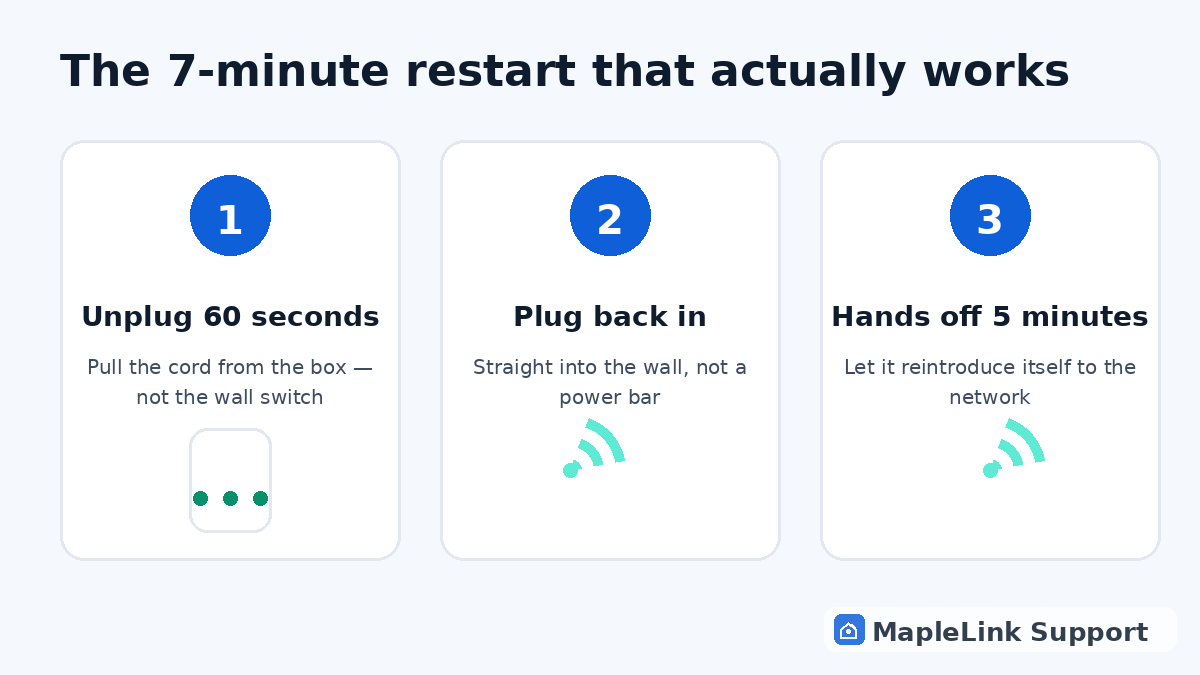
The fix, step by step
Unplug the power from the back
Pull the cord from the hub itself, not just the wall. If it runs through a power bar, try plugging directly into the wall — power bars cause a surprising number of mystery dropouts.
Wait a full 60 seconds
This is the step everyone skips. The hub remembers its last (broken) connection for a while — under 60 seconds and you're just pausing the problem, not clearing it.
Plug in, then walk away
Plug it back in and don't touch it for 5 minutes while it re-registers with Bell's network. Button-poking during this resets the clock.
Check the light
Solid = online. Blinking = give it 10 minutes. Red or dark after two proper restarts = the problem is Bell-side or the hub is failing — check the outage page, then call Bell with confidence.
If it keeps needing restarts
A hub that needs weekly restarts is telling you it's dying or overheating — often it's stuffed in a cabinet behind the TV. Move it somewhere open and cool; if that doesn't end the restarts, replacement time.
Still stuck? We fix it in your home — same day.
Flat $139 · diagnosis + repair included · evening & weekend slots.
If we can't fix it, the visit is free.