Bell WiFi connected but no internet? Here's the fix

Your phone shows the WiFi symbol, pages won't load, and Bell's hold music is an hour long. Work through these steps first — they solve most cases, and they're the same fixes we'd start with on a visit.

Last reviewed: September 2026 · Written in plain English by Ryoma Wyles, Senior Network & Internet Engineer at MapleLink Support Inc.

Jump to a step
  1. One device or every device?
  2. Restart the Home Hub properly
  3. Read the lights
  4. Test with a cable
  5. Still stuck?
1
1 minute

One device or every device?

Try a second phone or laptop. If other devices work, the problem is the one failing device — see our iPhone or Windows guides. If nothing loads anywhere, keep going.

2
7 minutes

Restart the Home Hub properly

Unplug the power from the back of the Bell hub for a full 60 seconds, plug back in, and leave it alone for 5 minutes. A quick button flick doesn't clear the problem — the 60 seconds does.

3
1 minute

Read the lights

Solid green/white = healthy. Blinking = still connecting (give it 10 minutes). Red or no light = the hub can't reach Bell's network — check Bell's outage page before anything else.

4
3 minutes

The cable test

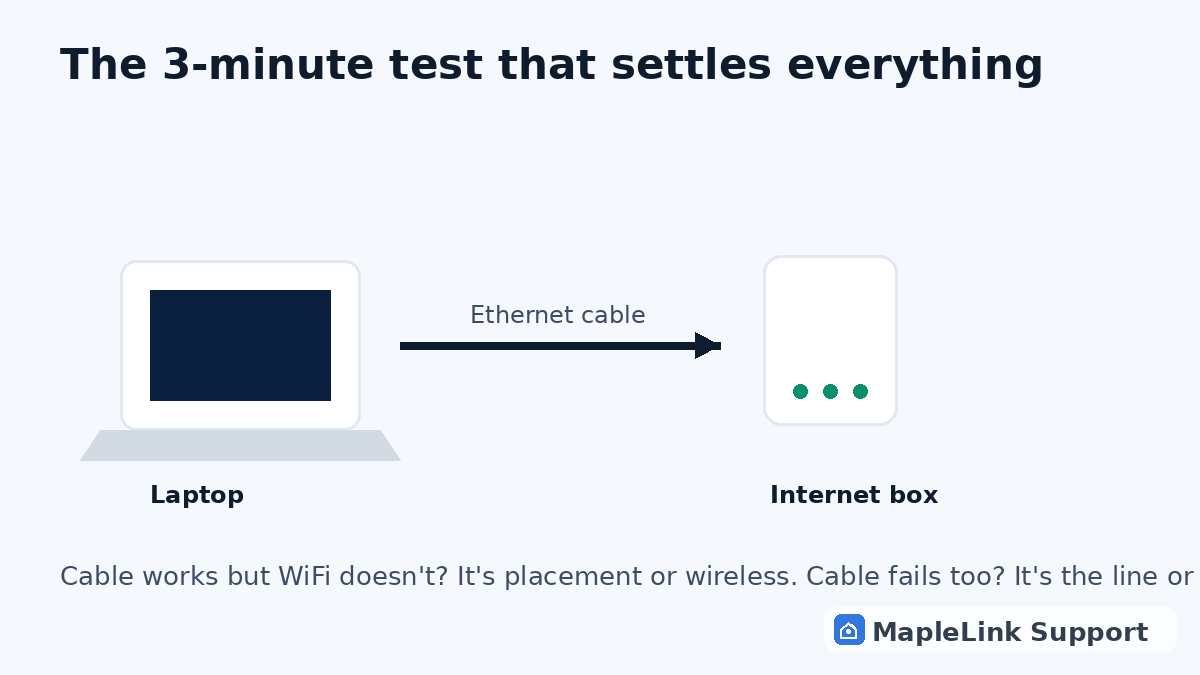
Plug a laptop directly into the hub. Cable works but WiFi doesn't? The hub's placement or wireless radio is the problem — move it up, central, and out in the open.

5
1 minute

Still stuck after all that?

Two proper restarts and a red light usually means a line fault or a dying hub — Bell's job, and we'll tell you that honestly if you book us. A hub that drops weekly is a fixable pattern, not bad luck.
Worth knowing: restarting your Bell hub never deletes your WiFi name or password. It only clears the temporary glitch.

Still stuck? We fix it in your home — same day.

Flat $139 · diagnosis + repair included · evening & weekend slots.
If we can't fix it, the visit is free.

Chat with us now

Related guides

How to restart your modem (any provider) →Modem lights, explained →Is it an outage? Check in 2 minutes →How to restart your Bell Home Hub → All our Bell guides →

Quick answers

Why does my Bell WiFi say connected but no internet?
Usually a stale connection between your hub and Bell's network — a proper 60-second restart fixes most cases. If it repeats weekly, the hub may be failing.
Is a Bell outage my problem to fix?
No. Check Bell's outage page or ask a neighbour on Bell. Area outage = wait for Bell. Only your house = we can fix that today.
Will restarting my Bell Home Hub delete my settings?
No — WiFi name, password, and settings all stay. A restart only clears temporary glitches.