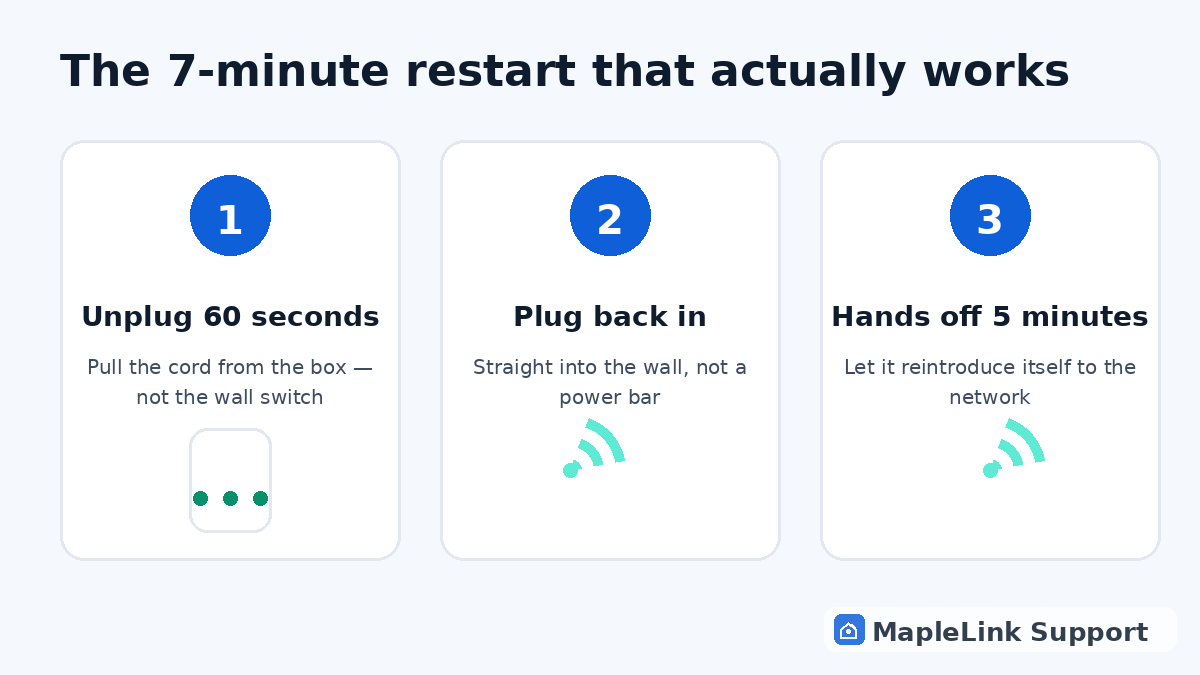
The fix, step by step
Unplug the power cord from the back
Pull the power cord out of the back of the white box itself — not just from the wall. If it's plugged into a power bar, plug it straight into the wall socket instead (power bars quietly cause more internet problems than people realize).
Wait a full 60 seconds
This is the step everyone skips, and it's the whole point. The box keeps a short memory of its broken connection — a 5-second off-switch doesn't clear it. Count to 60. Make tea if it helps.
Plug it back in and walk away
Plug it in, then don't touch anything for 5 minutes. It looks idle, but it's quietly re-introducing itself to TELUS's network. Poking buttons during this confuses it and starts the clock over.
Check the light
A solid green (or solid white, on newer boxes) light means you're back online. Blinking means it's still connecting — give it another 3–5 minutes. Red, or no light at all, means the problem is bigger than a restart.
Still down? Now you diagnose
If the light never settles after two proper restarts, the next move is finding out whether it's just you or the whole neighbourhood — see our outage-check guide. If it's only your house, that's when a hands-on fix usually pays for itself.
Still stuck? We fix it in your home — same day.
Flat $139 · diagnosis + repair included · evening & weekend slots.
If we can't fix it, the visit is free.