The fix, step by step
One device or the whole house?
Check a second device. Only one failing = device problem (see our iPhone/Windows guides). Everything failing = continue here.
Restart the Ignite gateway properly
Unplug the tall white gateway's power for a full 60 seconds — from the gateway itself, not the wall switch. Plug back in, hands off for 5 minutes. Quick flicks don't clear it; the 60 seconds does.
Read the light
Solid white/green = healthy. Blinking = connecting (10 minutes max). Red or dark = it can't reach Rogers — check Rogers' outage page before troubleshooting further.
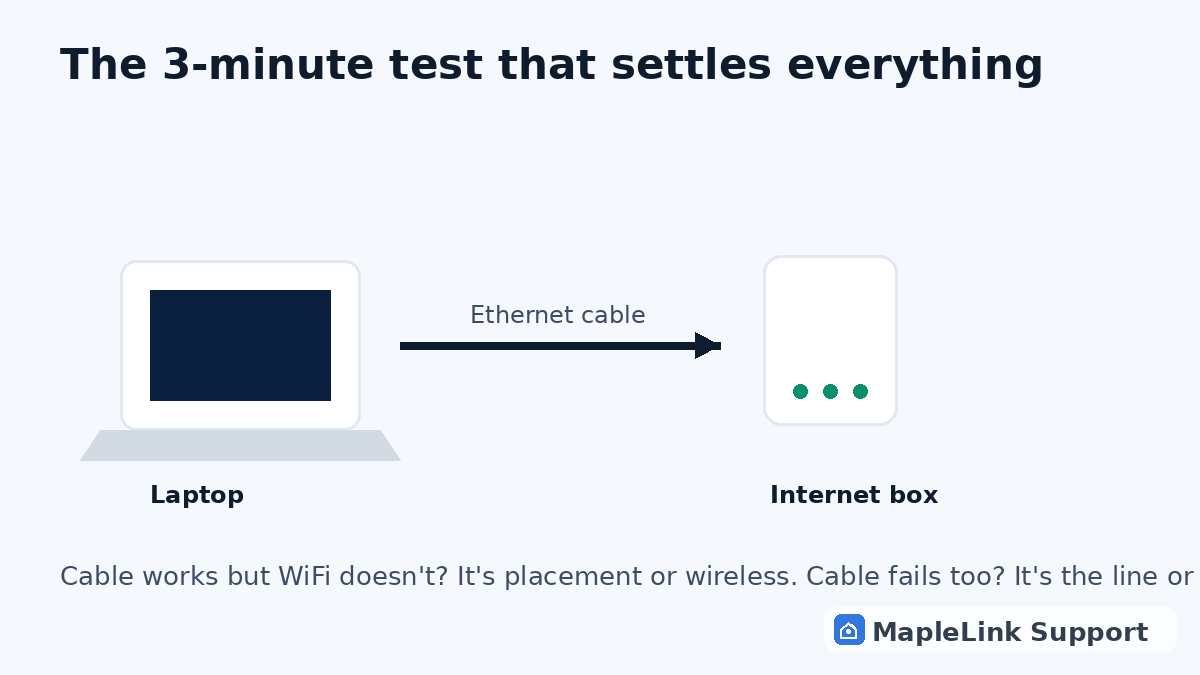
The cable test
Laptop directly into the gateway. Cable works, WiFi doesn't = placement or wireless problem — gateways hidden in basement corners are the #1 cause. Move it up and central.
When it's Rogers, not you
If the light stays red after two proper restarts, or your whole street is down, that's Rogers' network — no one local can fix it, and we'll tell you that straight if you chat with us. If it's only your house, it's fixable today.
Still stuck? We fix it in your home — same day.
Flat $139 · diagnosis + repair included · evening & weekend slots.
If we can't fix it, the visit is free.